Back to HairSwap

The hairstyle app comparison

HairSwap
vs. PicsArt

One app is made to help you pick a haircut. The other is a creative studio that happens to include hair tools. Here is where each one fits.

See the differences
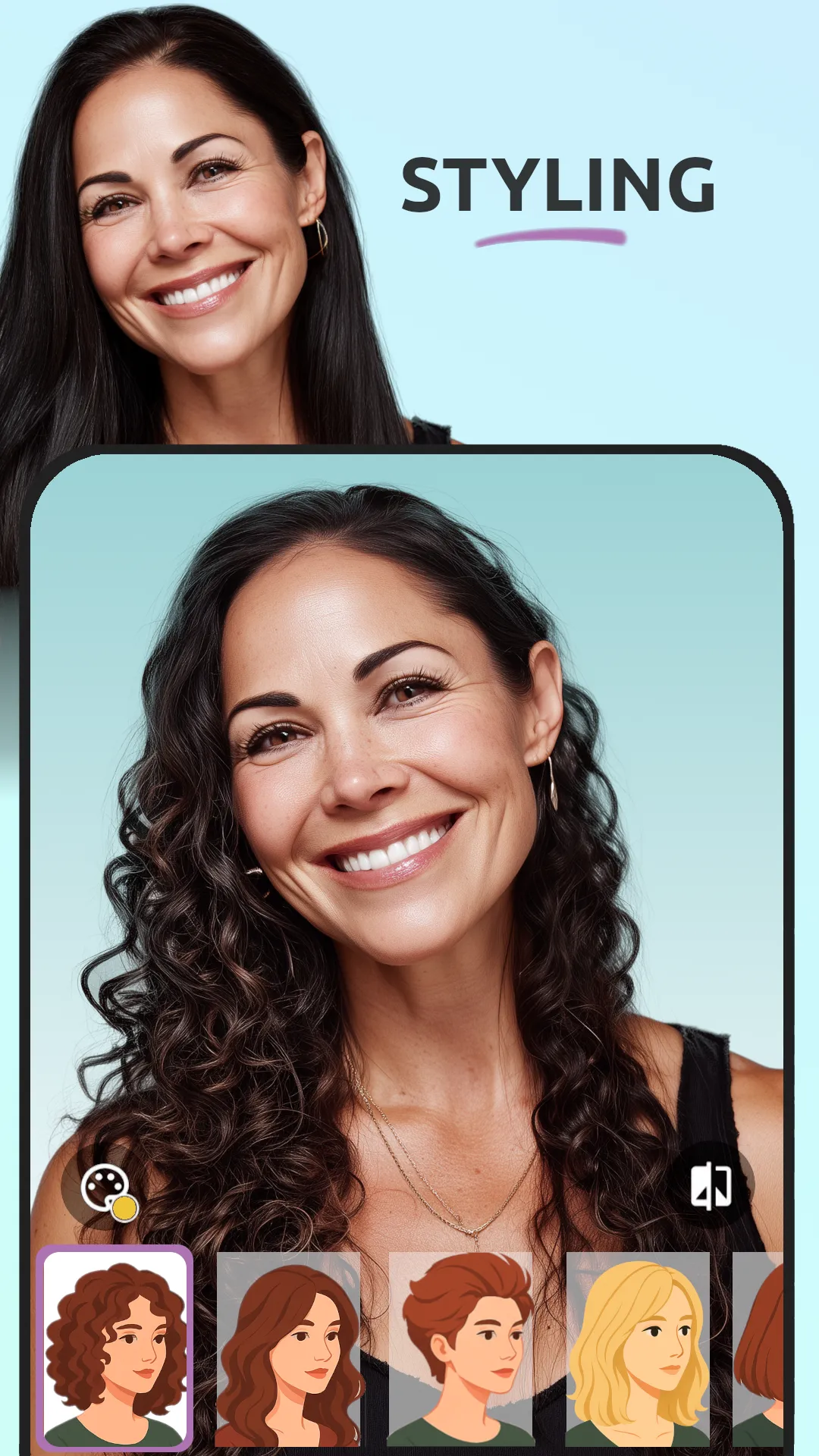
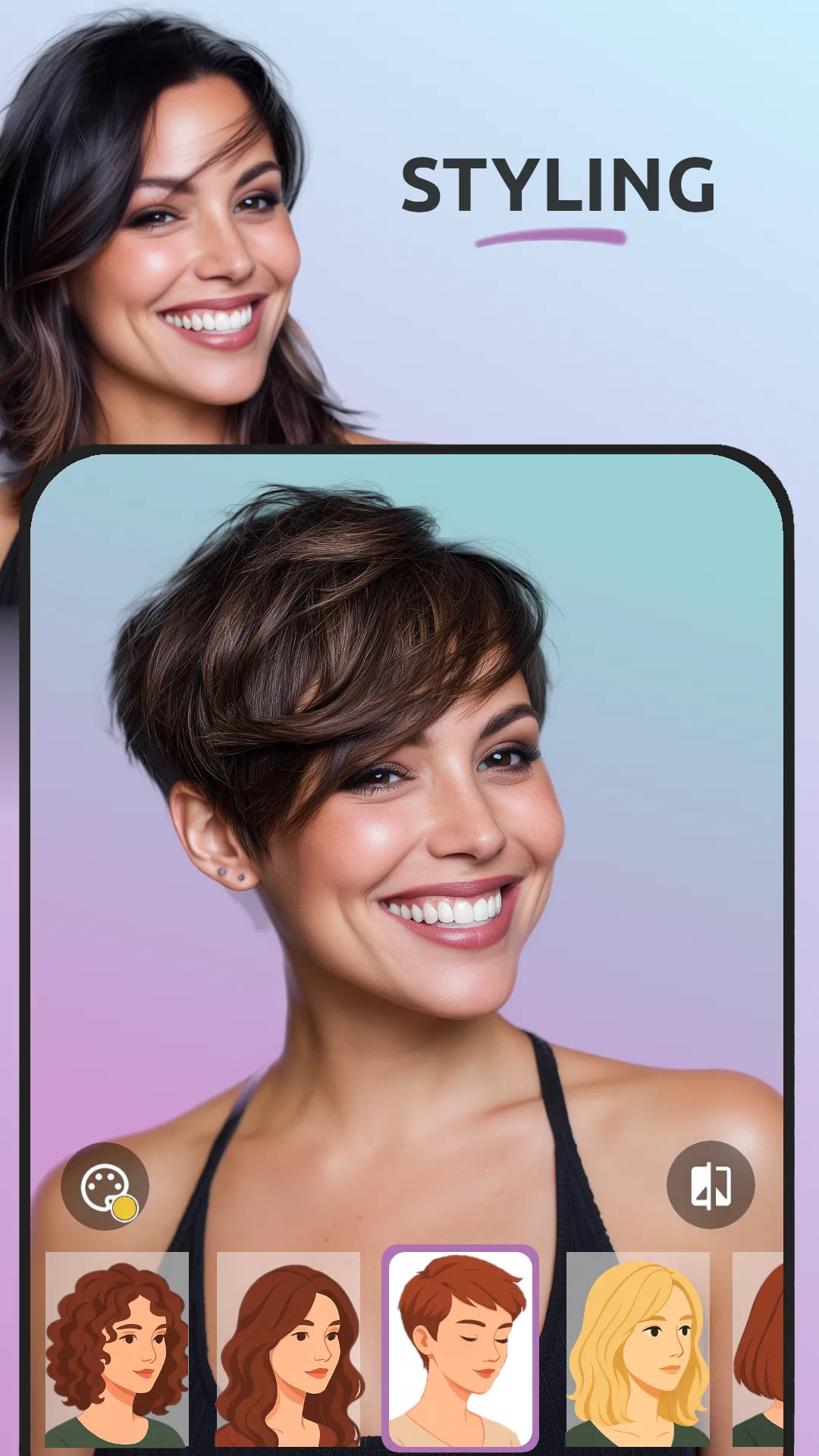
HairSwap hairstyle preview
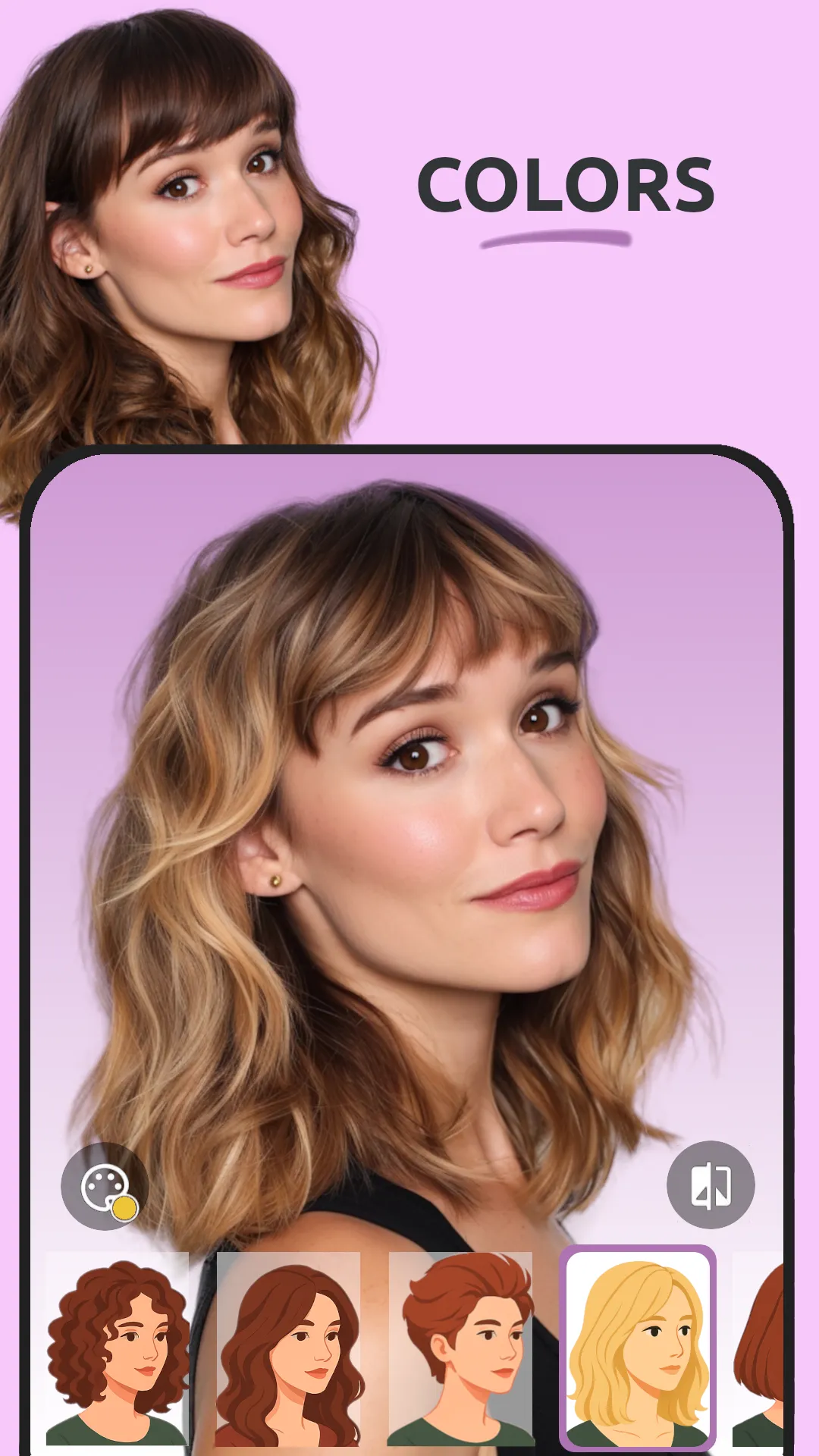
HairSwap hairstyle selection screen
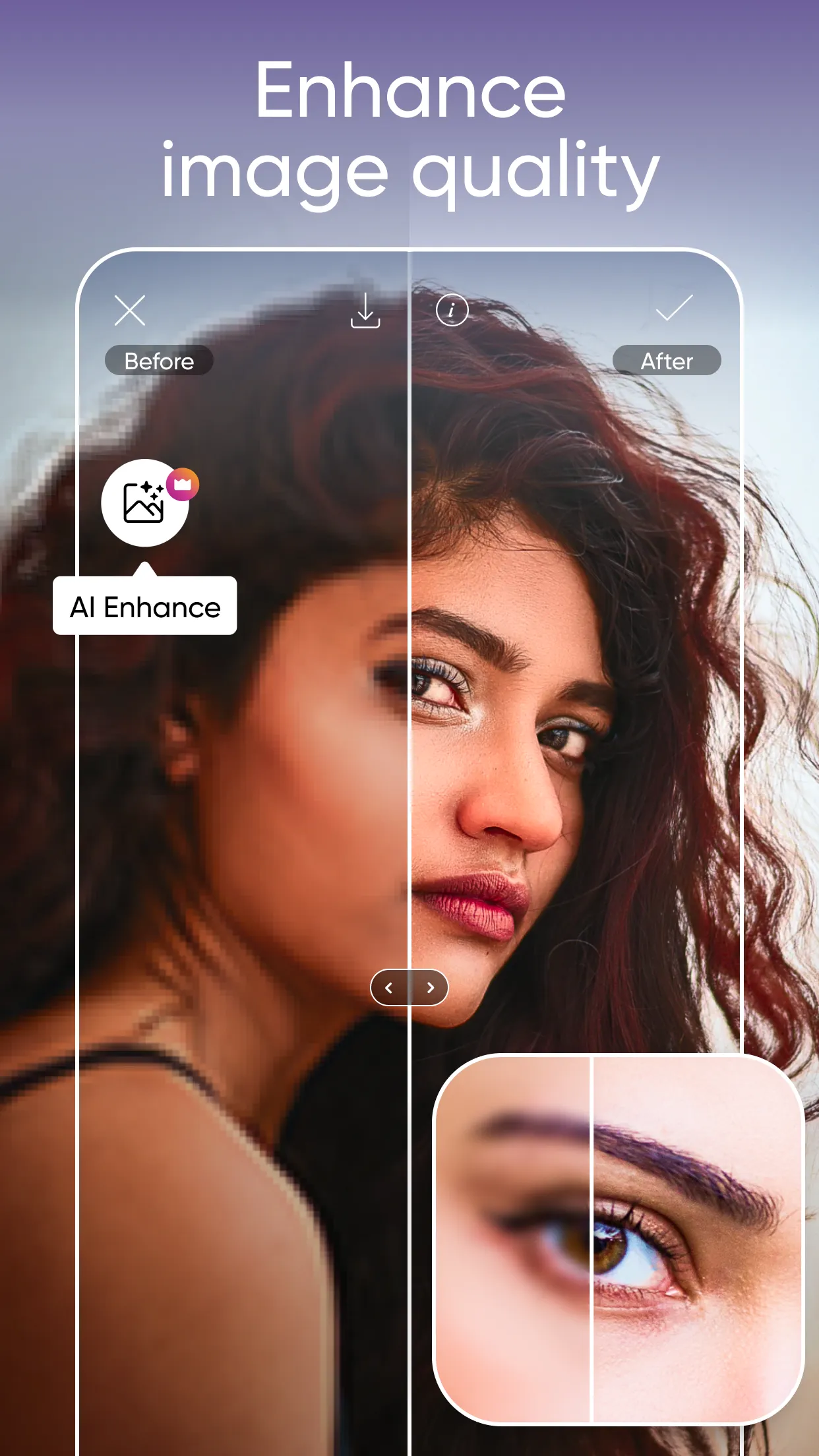
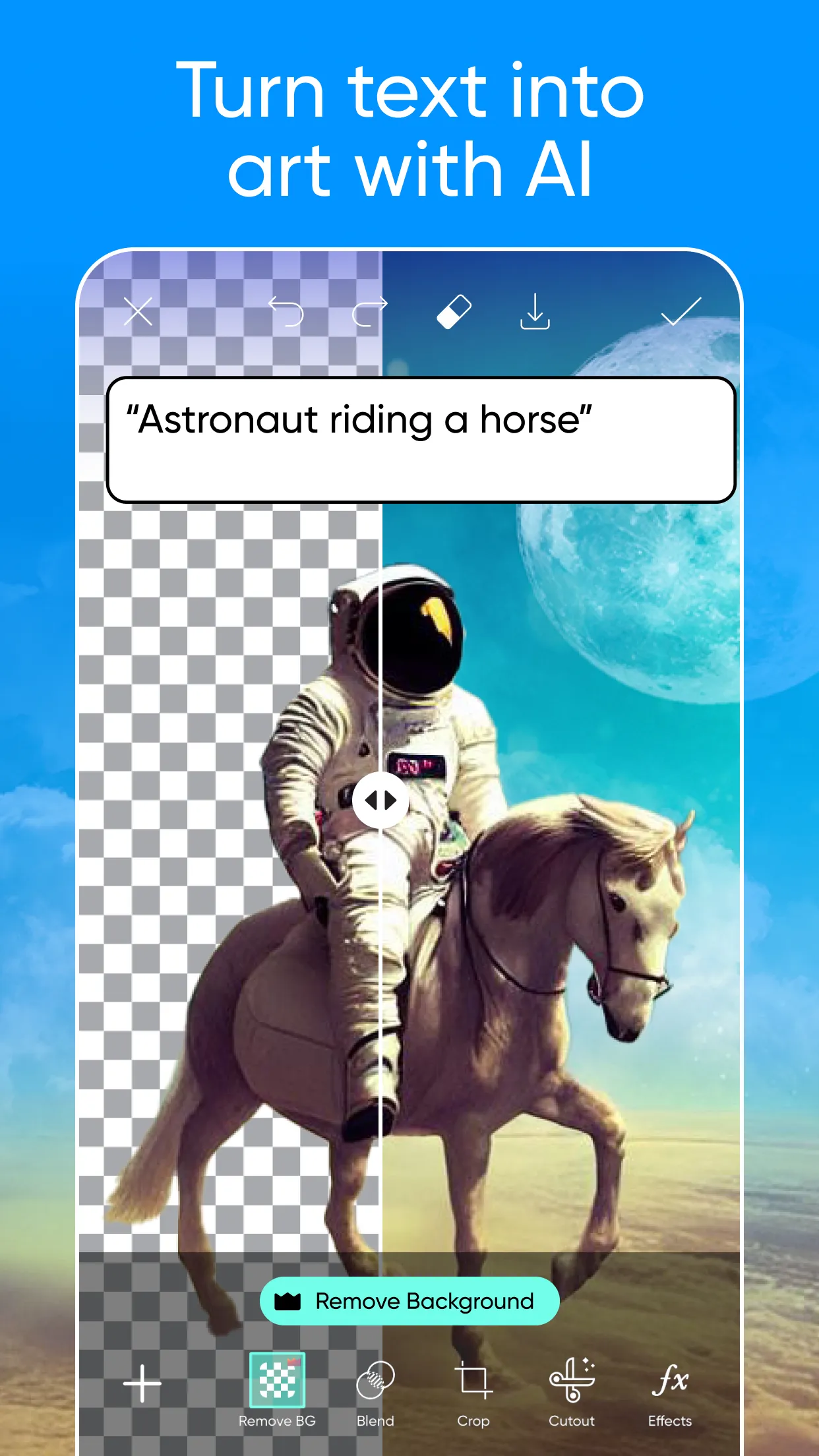
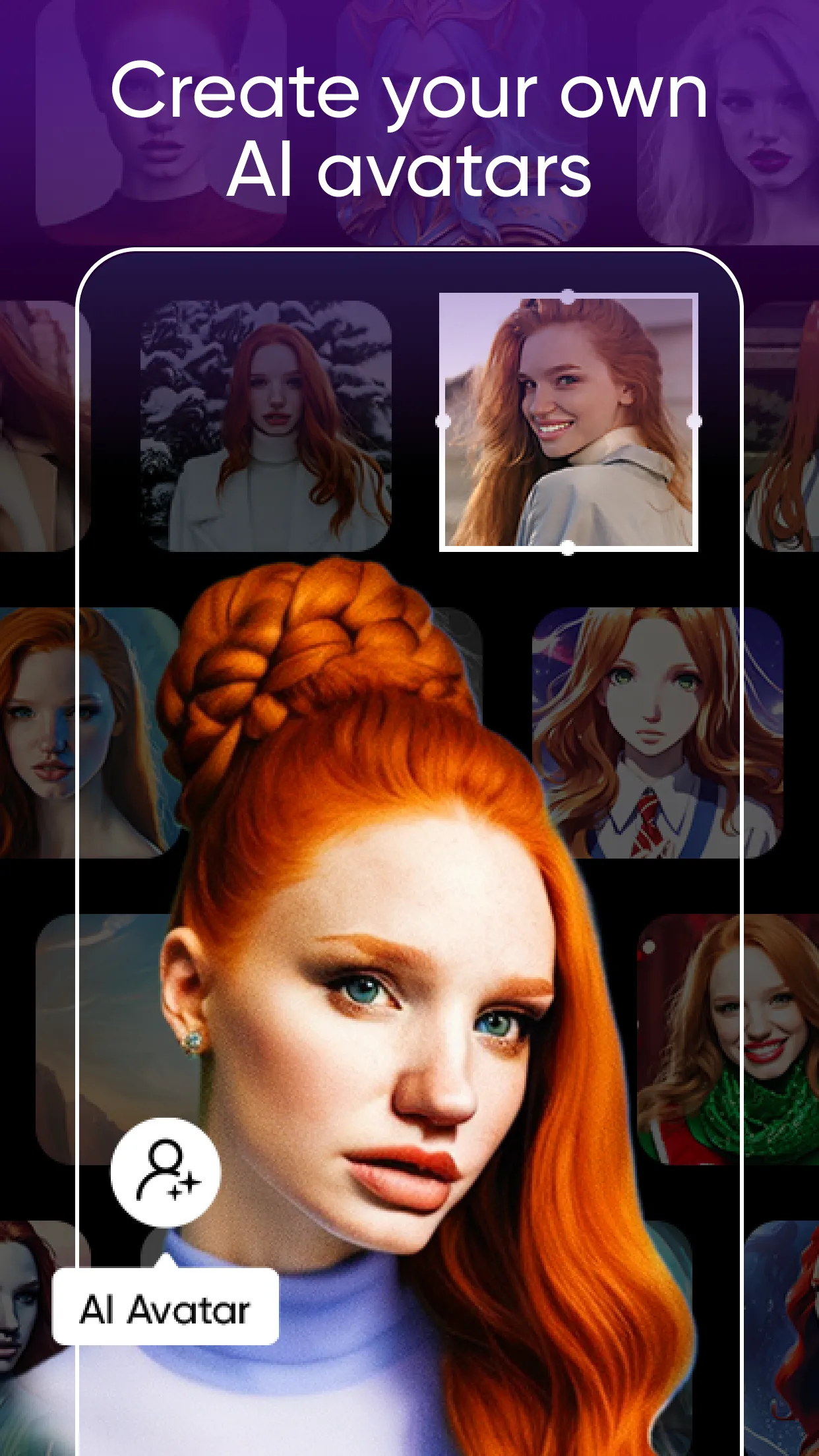
PicsArt app screen
Hair focused
PicsArt

Head to head

Two apps.
Different priorities.

Both apps can change how hair looks in a photo. The difference is what they are built around: HairSwap starts with the hairstyle decision, while PicsArt puts hair inside a broader editing toolkit.

02 / Generalist

PicsArt

PicsArt is a broad photo and video editing suite with filters, stickers, collages and creator tools. Hair edits sit inside a much larger creative workflow.

  • Full photo and video editor
  • Stickers, filters and collages
  • Hair tools require more navigation
  • Account required for the full workflow

The practical differences

At a glance.

Focus matters more than the length of a feature list. Here is how the two experiences differ when hair is the job to be done.

Feature HairSwap PicsArt
Primary focus Virtual hairstyles Photo and video creation
Hair realism Dedicated AI generation General editing tools
Finding hair tools Immediate Inside a larger toolkit
Results Four previews at once Edit one result at a time
Learning curve One-photo workflow More tools to learn
Best for Planning a real haircut Creative content editing

The short answer

Choose for the
job you have.

Choose HairSwap if you want to see realistic hairstyle options quickly and compare them before a salon visit. Choose PicsArt if you need a broad creative editor and hairstyle changes are just one piece of a larger image or video project.

Try HairSwap on your photo
HairSwap app icon

Your next look is waiting

See it before
you cut it.

Upload one selfie and start trying hairstyles in seconds.